Run your air purifier
when the air is bad.
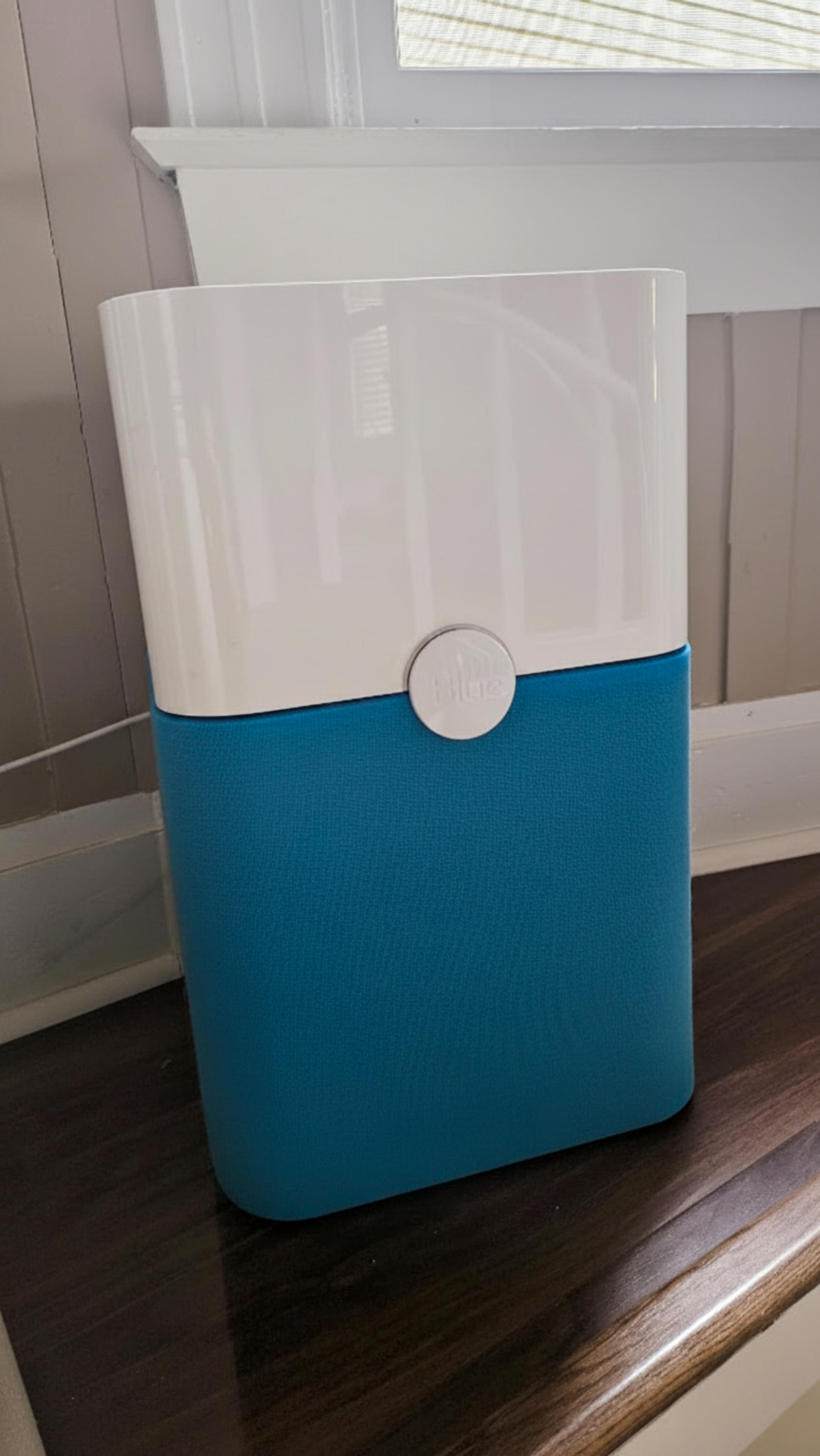
Connect a Kasa smart plug to real-time PurpleAir data. We check air quality every five minutes and switch your purifier on or off automatically. No app to check, nothing to remember.
Running a purifier nonstop eats through filters in a few months and wastes electricity on days when the air is completely fine. Turning it off entirely means breathing smoke during wildfire season or sitting through whatever inversion your city gets in winter. And manually checking AQI and remembering to flip a switch? That's a habit nobody keeps.
AirMonitor takes care of it. When the AQI climbs above your threshold, the purifier turns on. When the air clears, it turns off. Your dashboard shows a log of every switch.
Three things to get started
Kasa smart plug
The EP25 ($17) is what I use. It has energy monitoring built in so you can see exactly how much power your purifier draws. The EP102 (~$7) works fine if you just need on/off.
Kasa account
You'll need a free TP-Link account paired to your plug. We encrypt your login and only use it to control your device.
Nearby PurpleAir sensor
PurpleAir has thousands of community sensors across the country. Enter your address and we find the nearest outdoor one.
Five minutes to set up, then nothing
Enter your Kasa credentials and find a nearby sensor
Log in with your TP-Link email and password. Enter your address and pick a nearby PurpleAir sensor from the list. If you have an indoor sensor too, you can add that.
Subscribe and forget about it
We check air quality every five minutes. When the AQI goes above 51 your purifier turns on. When it clears, it turns off. You can adjust the threshold from your dashboard.
It pays for itself
Purifier filters are rated for 6-12 months of continuous use. Run it only when the air is actually bad and that cost drops. If you're in California, the Pacific Northwest, or anywhere that gets real wildfire smoke or winter smog, you already know how often that is.
Simple and cheap
Payments are handled by Stripe. We don't store card numbers. Cancel anytime from your account.
- Checks every 5 minutes
- Outdoor + indoor sensor support
- Adjustable AQI thresholds
- Activity log
- Cancel anytime
- Checks every 5 minutes
- Outdoor + indoor sensor support
- Adjustable AQI thresholds
- Activity log
- Cancel anytime